
How to make Bulin 47 AI video: start here
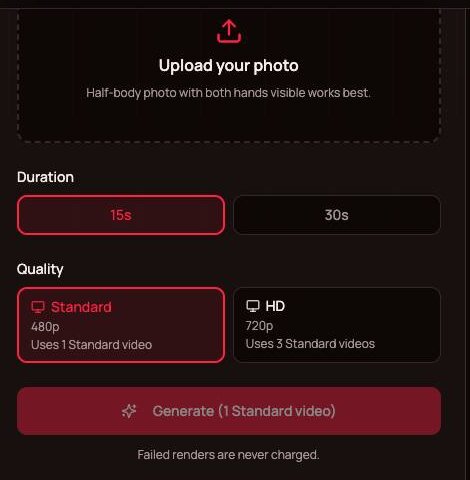
Failed renders are never charged.
Upload your photo on the left and click Generate.
What you need before you start
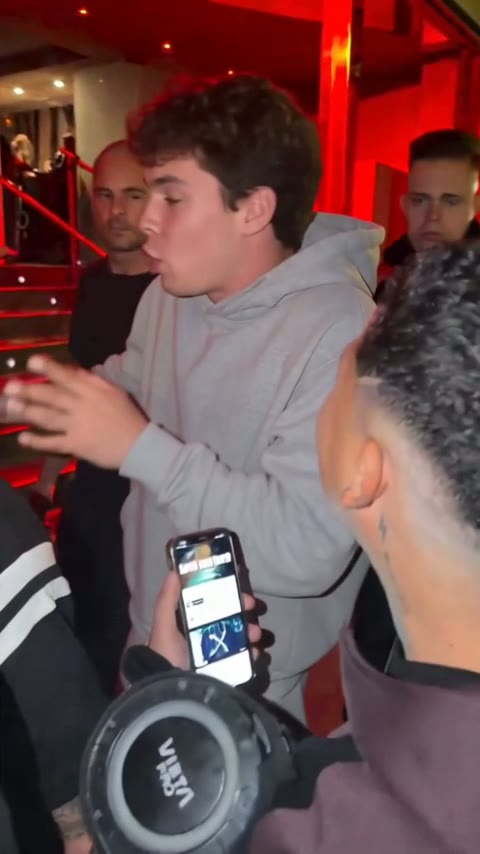
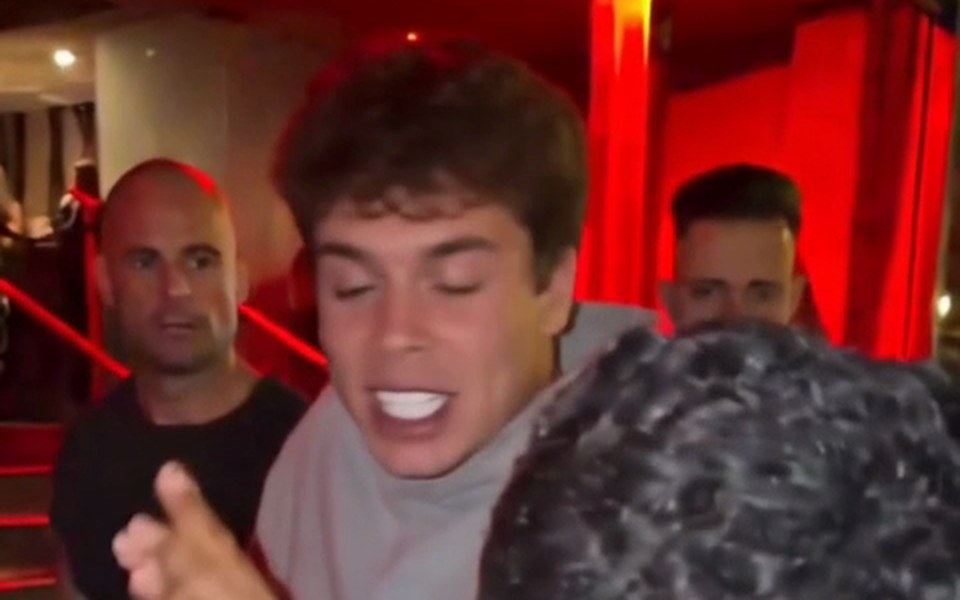
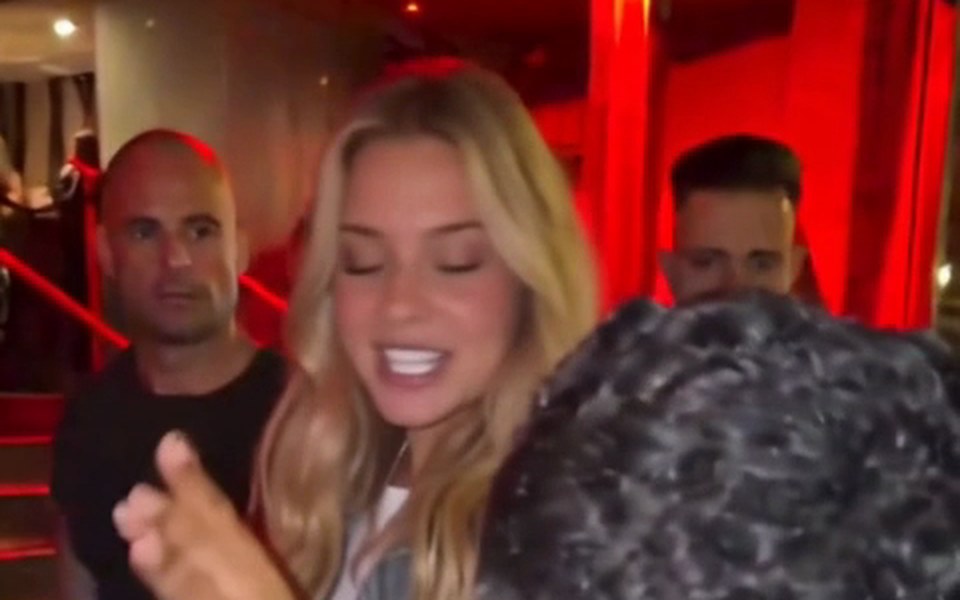
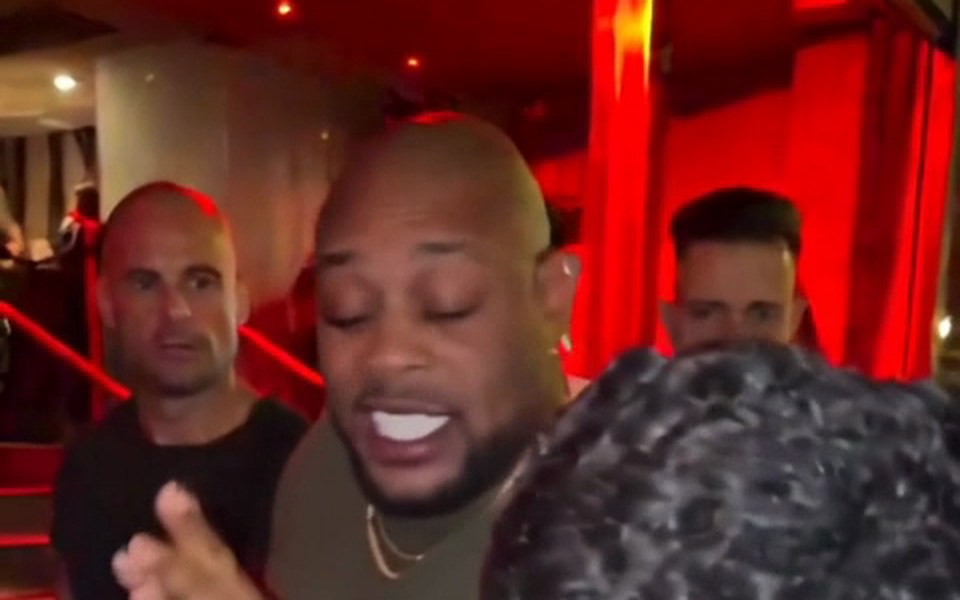
Learning how to make Bulin 47 AI video clips is quick, and you need just three things: an account, one photo and a browser. There is no reference clip to download and trim, because the original freestyle is already loaded, and there is no editor to learn. The AI edits the original clip itself: only the rapper is replaced by the person in your photo, while Kevin Wai with the speaker and phone, the crowd, the red-lit entrance and every other frame stay exactly as in the original. Sign in on Bulin 47 AI, choose your photo, and the rendering happens on the server in about 5 to 10 minutes.
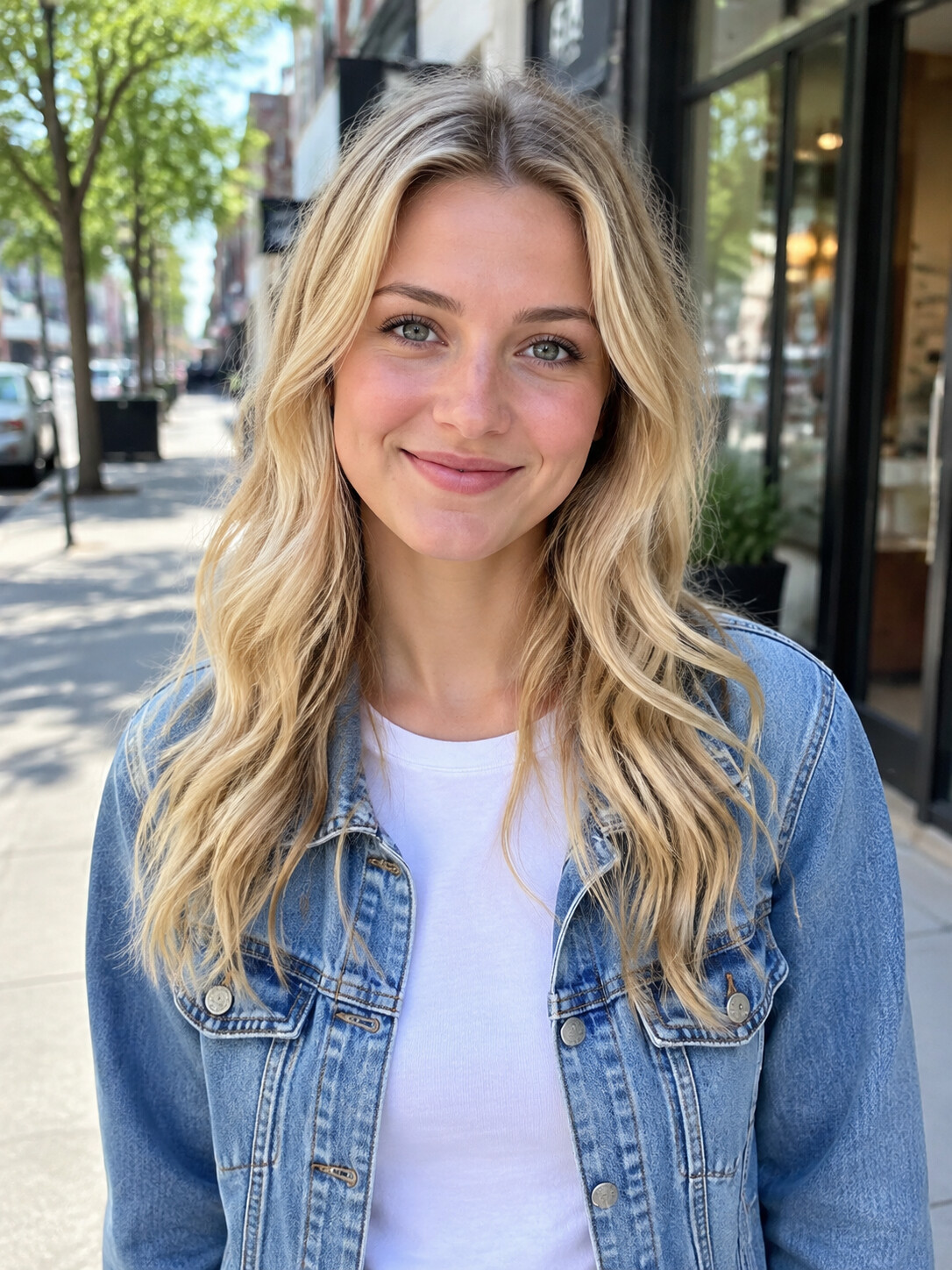
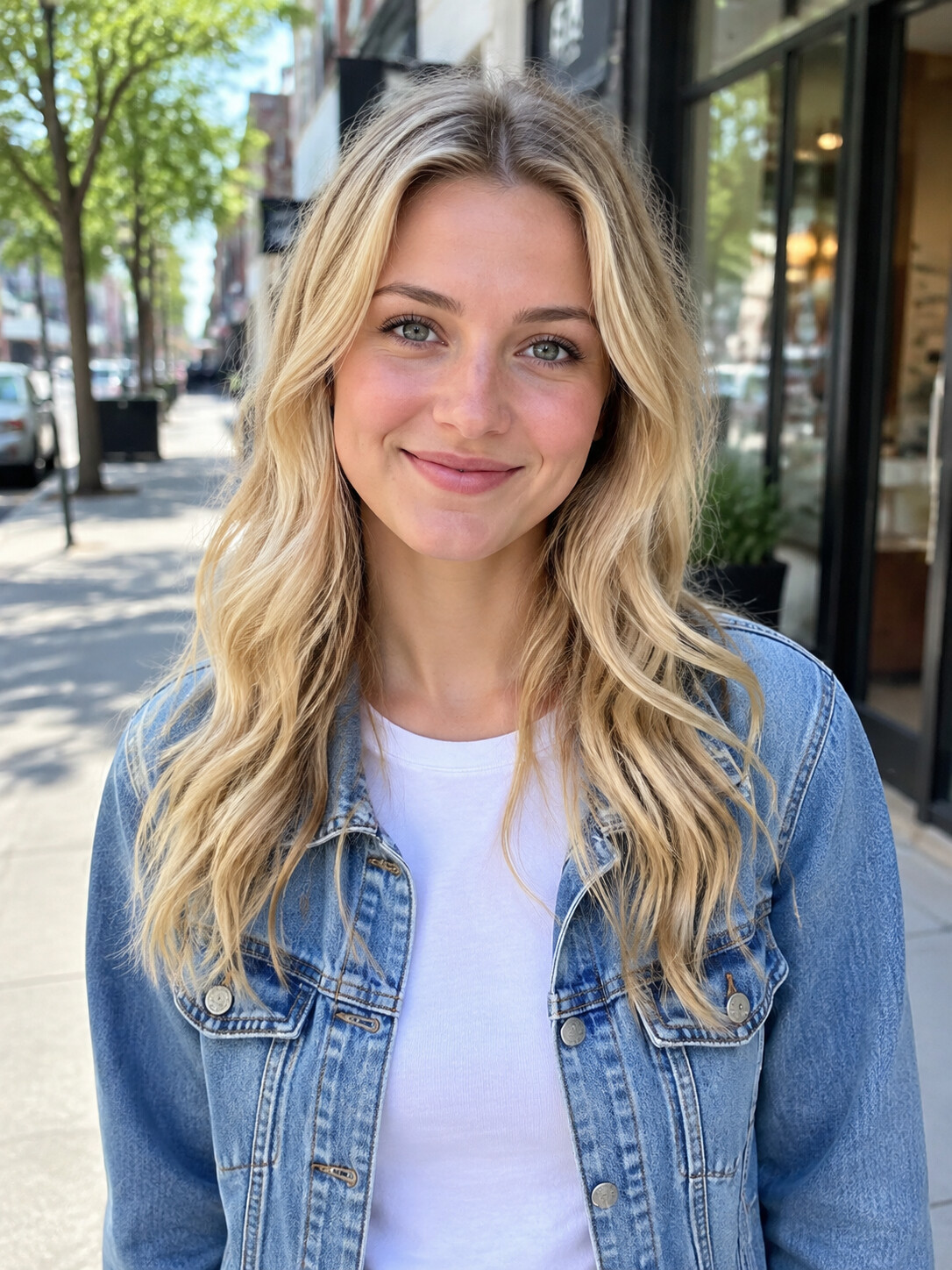
- One good photoOne person, face clearly visible, well lit. A half-body photo with both hands visible works best.
- PermissionUse your own photo or one of a friend who agreed. Celebrities and public figures are rejected by the filter.
- No prompt to writeGeneral AI video tools ask for a reference clip and a prompt. Here the clip, the scene and the sound are fixed, so there is nothing to type.
- Any browserPhone or desktop, no app to install. You can leave the page during the 5 to 10 minutes the video renders.
How to make Bulin 47 AI video: the 3-step Bulin 47 tutorial
Each step, with the detail that decides the result. Want to see finished examples before you begin? The Bulin 47 AI video page shows what the output looks and sounds like.
Step 1: choose and upload your photo
Pick a photo with one person in it, face clearly visible and evenly lit. A half-body shot with both hands visible works best: the AI copies your face, hair, clothes, hands and wrists from the photo, and the rapper's hands are busy in almost every beat. Crop group photos down to one person. Skip heavy filters and sunglasses, since the result copies what it sees. Upload it from your camera roll or your desktop.
Step 2: pick a length and quality
The 15-second cut starts at the moment Bulin 47 turns to the camera; it is the best-known part of the clip and suits most memes. The full 30-second version plays almost the whole freestyle. Next, pick the quality: Standard (480p) is made for phones, HD (720p) is sharper for bigger screens. A full 30-second video or a 15-second HD video uses 3 Standard videos from your plan, and a full 30-second HD video uses 6. Then click Generate.
Step 3: check and download
Watch the whole clip, not just the first second. Check the face through the head turns, the hands during the gestures and the hand on the head, and the mouth timing against the original sound. Kevin, the crowd and the background should look exactly like the original. If something looks off, try a clearer photo and run it again; failed or filtered renders are never charged. Then download the MP4.
Posting tips for TikTok, Reels and Shorts
The download is a vertical 9:16 MP4 with the original audio, so it fits every short-video app without cropping or editing. The scene comes preloaded like a Bulin 47 template, which means the file is ready to post as it is.
TikTok
Upload the MP4 as it is. Name the trend in your caption so people searching for it can find you, and mark the post as AI-generated.
Instagram Reels and YouTube Shorts
Same file, no crop needed. Both platforms ask you to disclose realistic AI content, which takes one tap.
Group chats
Plenty of these never go public. Send the MP4 straight to the chat and let the reactions roll in.
Photo checklist
Most weak results trace back to the photo, not the generator. Run through these six points before you upload. There is no free trial, so this list is your best test; the Bulin 47 AI free page lists everything you can check before you pay.
One person only
Crop everyone else out. Two faces in one photo make it unclear who should go into the clip.
Face clearly visible
Front-facing or a slight angle. No hair across the face, nothing held in front of it, no sunglasses.
Good light
Daylight or an evenly lit room. A face half in shadow tends to drift during the head turns.
Half-body framing, both hands visible
Head to waist with both hands in view is ideal. The AI copies your hands and wrists from the photo, and a tight headshot leaves it to invent your clothes and hands.
No heavy filters
Beauty filters and strong colour grading carry straight over into the video.
People work best
Pets and cartoon characters may work, but results vary. Photos of celebrities and public figures are rejected.
More guides
If you are still deciding, these answer the usual questions.
FAQ: how to make Bulin 47 AI video
How to make Bulin 47 AI video on iPhone or Android?
Open the site in Safari, Chrome or any other mobile browser, sign in, upload a photo from your camera roll and click Generate. There is no app to install. About 5 to 10 minutes later the finished MP4 downloads to your phone, ready to post to TikTok, Reels or Shorts, or to send to a group chat.
How to make Bulin 47 AI video for free?
You can't: there is no free plan, free trial or signup credit, because every video is a real render. What is free is the preparation: watch the sample videos, read the second-by-second breakdown on the home page and check your photo against the list on this page. Failed or filtered renders are never charged, so you only pay for a finished video.
Do I need a prompt?
No. The original freestyle, the scene, the camera movement and the sound are already loaded, so there is nothing to describe. Prompts matter on general AI video tools where you bring your own reference clip; here your only input is one photo, plus the length and quality you pick.
How long does rendering take?
Most videos render in about 5 to 10 minutes, a little longer at busy times. You can leave the page while it works and come back for the download, and nothing is charged if a render fails or gets filtered. The finished file is a vertical 9:16 MP4 with the original sound.
Which length should I choose?
Pick 15 seconds for most memes: it starts as Bulin 47 turns to the camera and holds the part everyone knows. Pick the full 30-second version if you want almost the whole freestyle. Standard 480p is fine for phones; HD 720p is sharper. Longer and HD videos use more of your plan; see Bulin 47 AI pricing.
Why does my face look different in the video?
Usually because of the photo. Shadows, a tilted head, sunglasses, hair across the face, hidden hands or a heavy filter all make the person harder to hold through the head turns. Try a clear, front-facing, well-lit half-body photo with both hands visible and generate again. Failed or filtered renders are never charged.
What is the original video?
It is the street freestyle Bulin 47 did outside a venue in Spain in early October 2026, after Kevin Wai walked up with a Bluetooth speaker and a phone. The clip passed tens of millions of views and became the Bulin 47 AI trend a few days later.
Can I make one of a friend?
Yes, if they agreed. Use a photo of one person with the face clearly visible. Photos of celebrities and public figures are rejected by the filter. Bulin 47 AI is an independent fan-made tool, not affiliated with Bulin 47, Kevin Wai or their labels.
One photo, about 5 to 10 minutes
You now know the steps. Upload your photo and make your Bulin 47 freestyle.