
Bulin 47 CapCut Template vs a Full AI Swap
Bulin 47 CapCut templates were one of the first ways people joined the freestyle meme, and many still use them. Here is how that route compares with Bulin 47 AI, which swaps the whole rapper from one photo and keeps the original sound, so you can pick what fits your post.
Try the one-photo version next to your Bulin 47 CapCut edit
Failed renders are never charged.
Upload your photo on the left and click Generate.
What a Bulin 47 CapCut template does
A Bulin 47 CapCut template is a ready-made edit that a template creator built on top of the viral freestyle. You open it in CapCut, drop in your photo and export. Most of these templates place your face over the rapper or cut you out and put you in the frame, rather than rebuilding the whole person, and quality varies from one creator to the next. For a version where your full figure takes the spot, the Bulin 47 AI generator works from a single photo.
- Made by template creatorsEach template is someone's own edit of the clip, so the cut, the timing and the effects differ between them.
- Face overlay or cut-outMost templates put your face, or a cut-out of you, on top of the original frames instead of replacing the full body.
- Lives inside CapCutYou edit and export the Bulin 47 CapCut version in the app, where adding text, stickers and transitions is easy.
Bulin 47 CapCut template or AI swap: when each makes sense
Neither route is wrong. A CapCut template suits a quick, playful edit inside an app you already use, while a full swap suits a post where the person in the photo should really look like the rapper. If you like the idea of a template but not the app, read about the ready-made Bulin 47 template on this site.
Pick a CapCut template when
You already edit in CapCut, you found a template you like, and you want to add your own captions, stickers or transitions before posting.
Pick the AI swap when
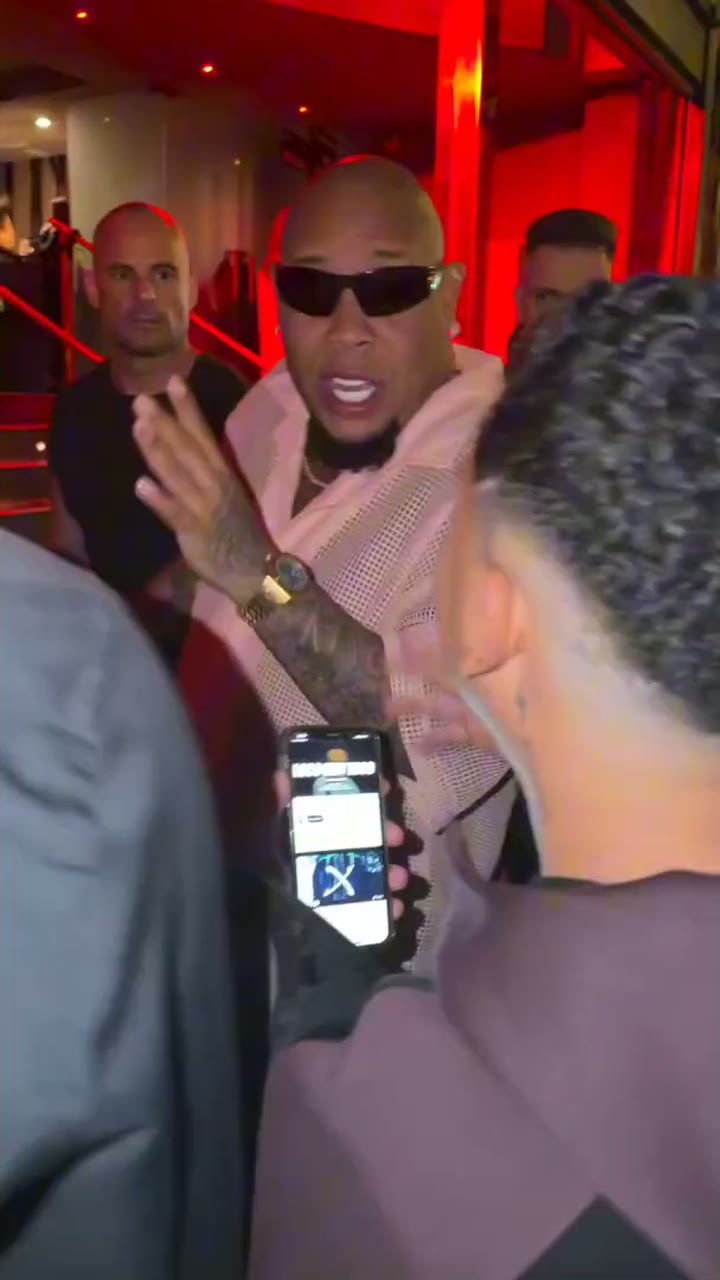
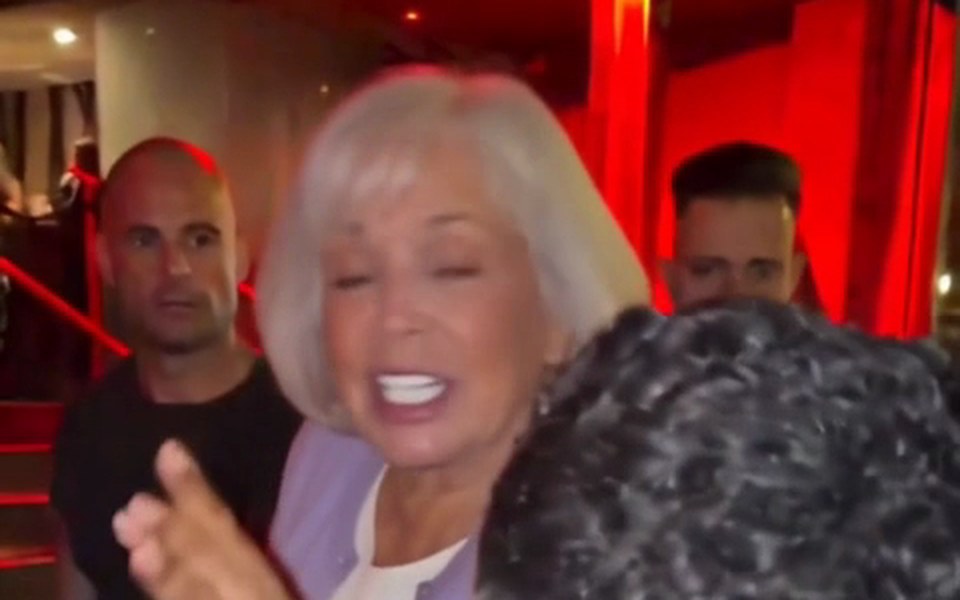
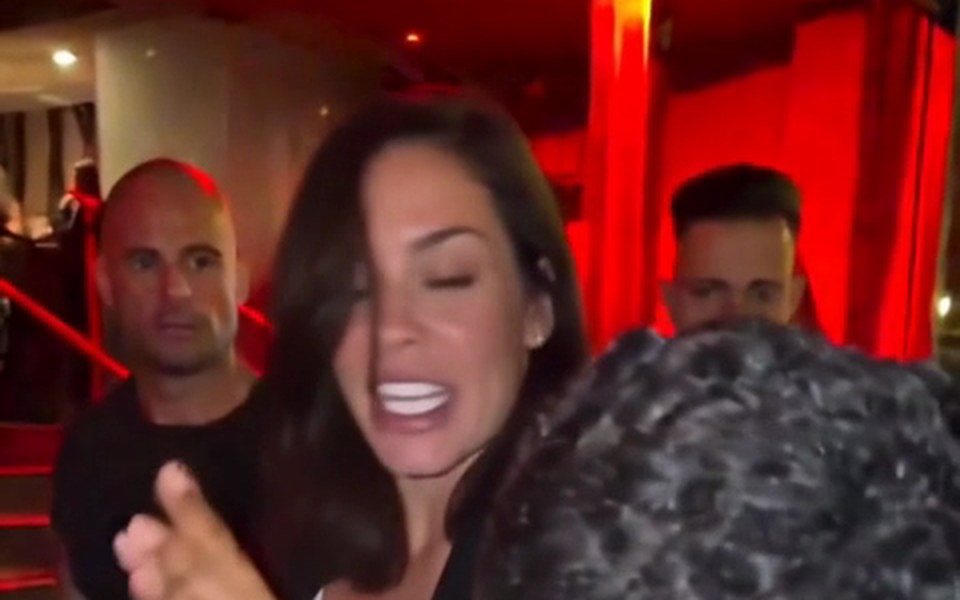
You want the whole person replaced, face, hair, outfit and hands, with the head turns and gestures of the original, while Kevin Wai, the crowd, the red-lit entrance and every other frame stay exactly as in the original clip.
Or use both
Make the swap here, download the MP4, then open it as a Bulin 47 CapCut project to add text or trim it. The original sound is already in the file.
A Bulin 47 CapCut alternative in three steps
It takes less time than browsing templates. On a phone everything happens in the browser; the Bulin 47 AI app page covers iPhone and Android.
Add one photo
Choose a photo of one person where the face is sharp and evenly lit. Half-body framing with both hands visible helps the swap carry over the outfit and the hands.
Set length and quality
15 seconds from where Bulin 47 turns to the camera, or the full 30-second version with almost the whole freestyle. Each comes in Standard 480p or HD 720p.
Save and post
About 5 to 10 minutes later the video is done, and you can leave the page meanwhile. Download the 9:16 MP4 and post it straight to TikTok, Reels or Shorts.
Bulin 47 CapCut vs Bulin 47 AI: six differences
What changes when you move from a template to a full swap. For prompt-based platforms, see Higgsfield Bulin 47.
Who replaces the rapper
A template usually swaps the face or pastes a cut-out. Here the person in your photo takes over the whole spot: face, hair and outfit.
Movement
The head turns, gestures and hand positions follow the original clip, so the new rapper moves the way Bulin 47 did.
Sound
The original sound is part of every video here, already in sync, so there is nothing to attach in an editor.
Consistency
Templates differ by creator. The swap here always uses the same cut, scene and audio, so you know what you will get.
Where you work
CapCut is an editor you open. This runs in any phone or desktop browser with nothing to install.
Try before you pay
There is no free plan, but you can watch the sample videos first, and a failed render is never charged. The Bulin 47 AI free page lists what you can check without paying.
Keep comparing
The ready-made template, the phone workflow and the platform route, beyond the Bulin 47 CapCut route.
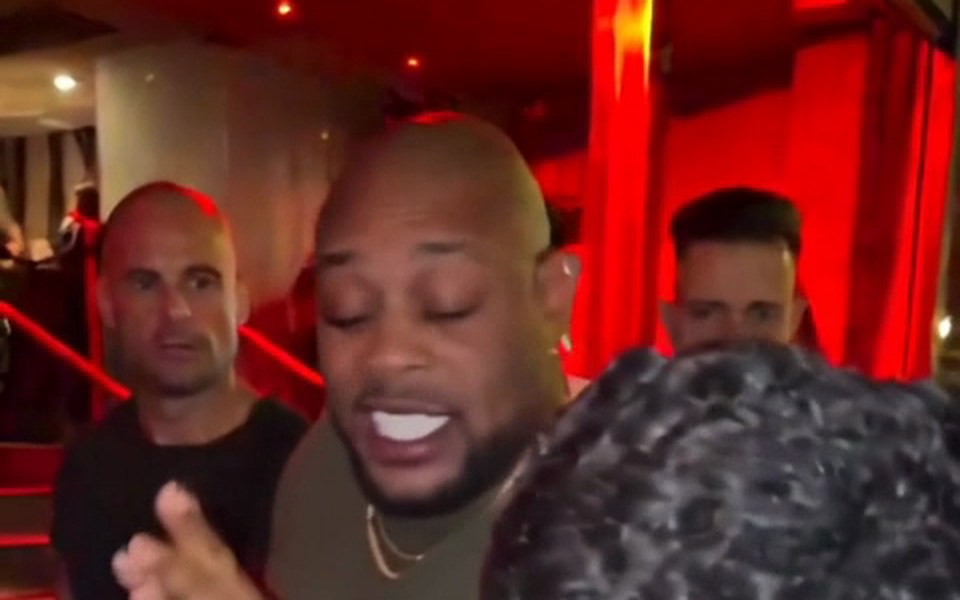
CapCut template vs one-photo swap at a glance
A fair side by side. Details on the template side depend on the creator who made each Bulin 47 CapCut template.
| Bulin 47 AIone photo, full swap | CapCut templatemade by template creators | |
|---|---|---|
| What gets replaced | The whole rapper | Usually the face, or a cut-out |
| Moves follow the original | Depends on the template | |
| Original sound | In every video | Depends on the template |
| Lengths | 15 or 30 seconds | Set by the template |
| Format | Vertical 9:16 MP4 | Set by the template |
| Add text and stickers | Afterwards, in any editor | |
| Needs an app | CapCut app or editor | |
| Try before you pay | Watch the samples; failed renders never charged | See CapCut |
Bulin 47 CapCut questions
Where do I find the Bulin 47 CapCut template?
Search "Bulin 47" in CapCut's template section, where template creators publish their Bulin 47 CapCut versions of the freestyle. Several exist, and they differ in cut, effects and how your photo is placed. If you just want yourself in the clip without picking a template, upload one photo to the generator on this page instead.
Is the Bulin 47 CapCut template a real face swap?
Usually not a full one. Most Bulin 47 CapCut templates place your face over the rapper or drop in a cut-out of you, so the original body and outfit tend to stay. Bulin 47 AI replaces the whole person from your photo, while the movements still follow the original clip.
Can I edit my Bulin 47 AI video in CapCut afterwards?
Yes. Download the MP4 and import it into CapCut like any other clip. You can add captions, stickers or a trim to your favourite second, and the original sound is already in the file. Keep the 9:16 frame so it still fits TikTok, Reels and Shorts.
Is Dreamina the same as CapCut?
Dreamina is CapCut's AI creative platform, separate from the template library. There you write prompts and pick a model instead of filling a template, and Dreamina says its Bulin 47-style examples are illustrative rather than an exact remake. Our Bulin 47 Dreamina page compares that route with the one-photo swap.
How long does the swap take?
About 5 to 10 minutes for either the 15-second or the full 30-second version, and you can leave the page while it renders. Nothing is charged if a render fails or the filter blocks it. You can download the MP4 the moment it finishes and post it straight away.
Whose photo can I use?
Your own, or a friend who agreed to be in it. One person per photo, face clearly visible and well lit; a half-body shot with both hands visible gives the best result, because the hands come from the photo too. The filter rejects photos of celebrities and public figures. Pets and cartoon characters may work, but people work best.
Is this an official Bulin 47 CapCut template?
No. Bulin 47 AI is an independent fan-made tool, not affiliated with Bulin 47, Kevin Wai or their labels, and it is not part of CapCut. It is a separate website that turns one photo into the freestyle video, with the original clip and sound already inside.
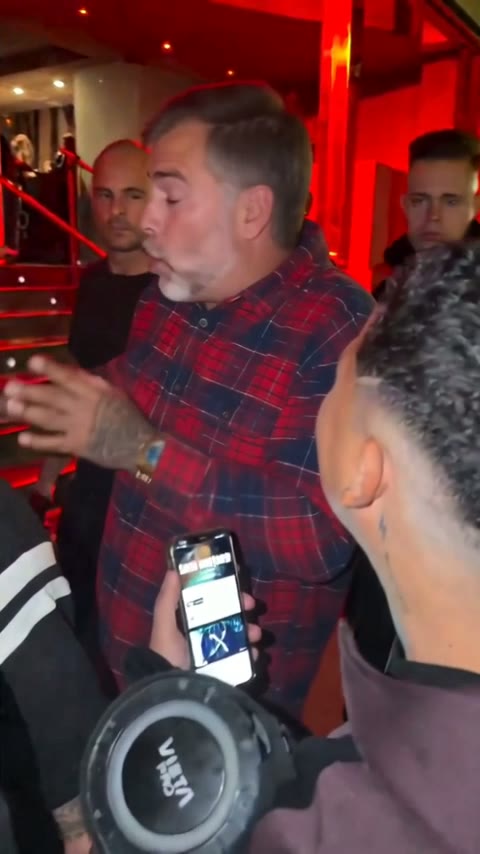
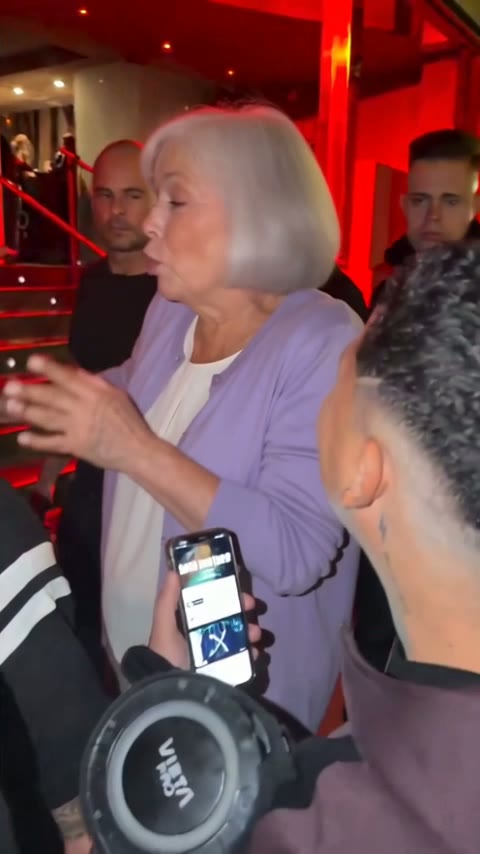
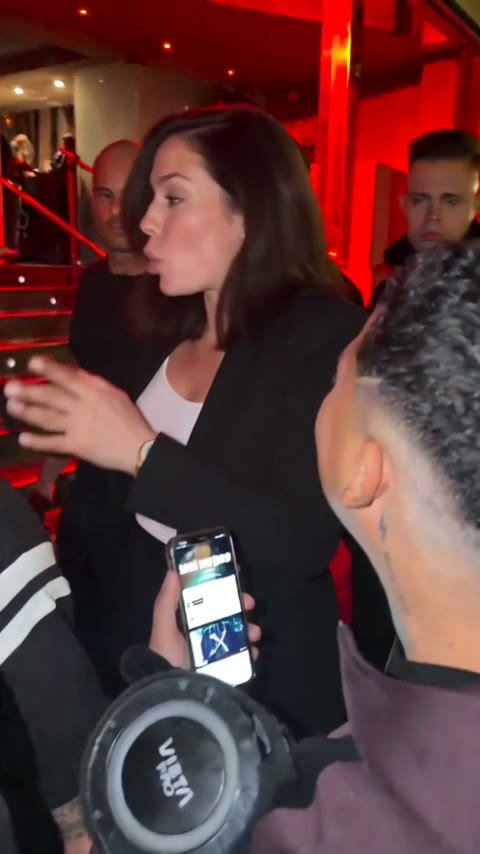
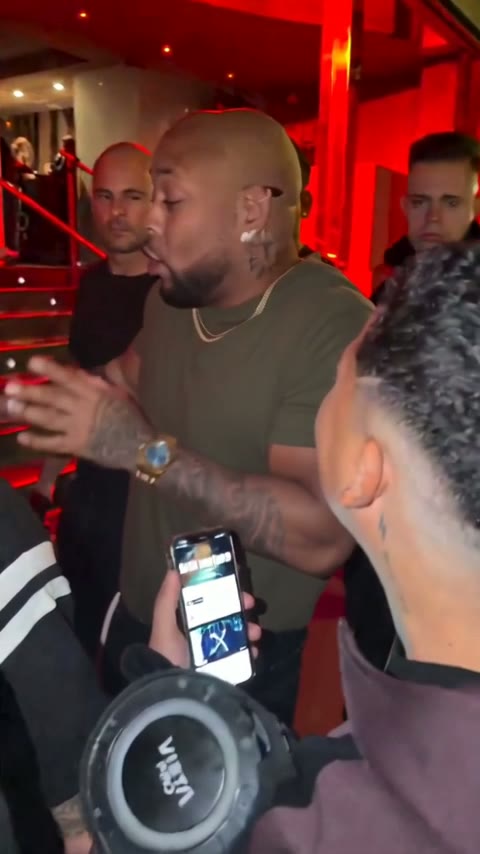
Beyond the Bulin 47 CapCut template: the whole swap
One photo puts you in Bulin 47's spot with the original sound, while Kevin and the crowd stay exactly as they were.