
Make your Bulin 47 AI video
Failed renders are never charged.
Upload your photo on the left and click Generate.
What a Bulin 47 AI video looks like
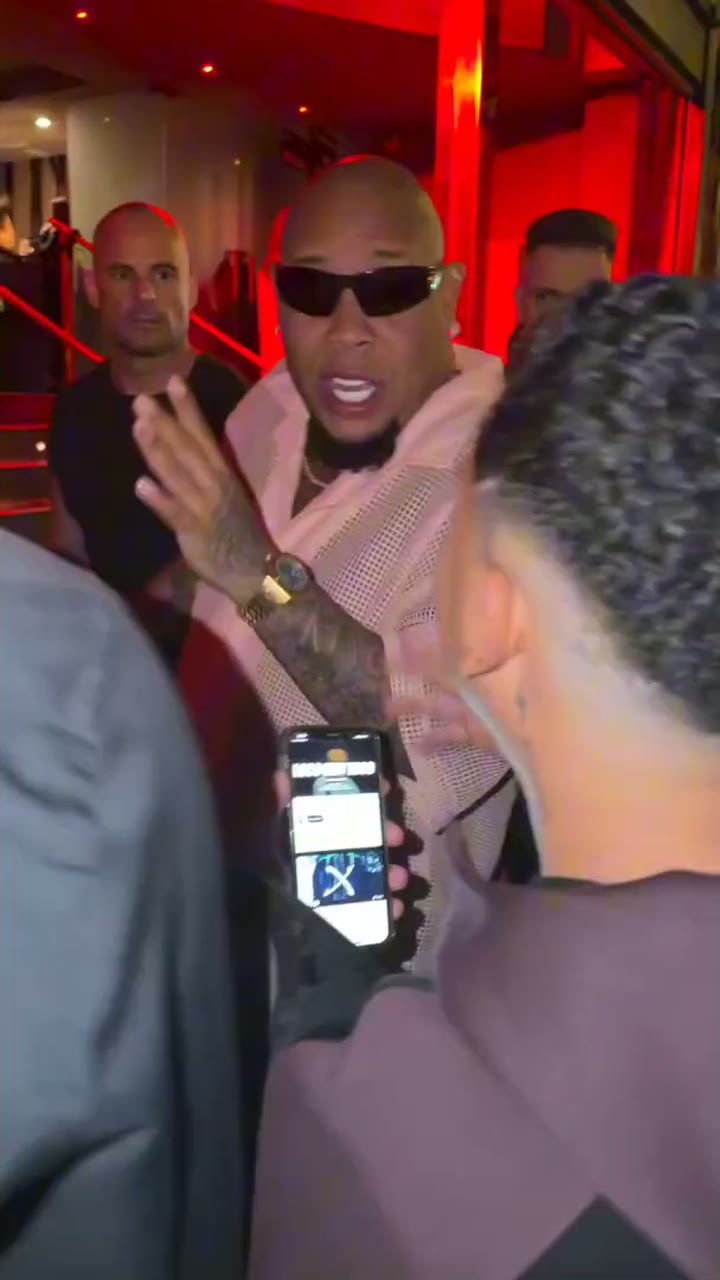
A Bulin 47 AI video keeps every frame of the original clip except the rapper. You see the same night scene outside a venue in Spain, the red light over the entrance, the handheld phone camera moving with the action, and Kevin Wai holding up his Bluetooth speaker and phone, exactly as in the original. In the middle of it, the person from your photo does what Bulin 47 did: the head turns, the hands move on the beat, the mouth moves in time with the words. The file is a vertical 9:16 MP4 with the sound of the freestyle, so it looks and sounds like the clip people already know. It is made with Bulin 47 AI, an independent fan-made tool that is not affiliated with Bulin 47, Kevin Wai or their labels.
- Only the rapper changesYour photo replaces Bulin 47 from head to hands. Kevin, the crowd and the entrance stay exactly as in the original clip.
- Movements from the originalHead turns, hand gestures and mouth timing follow the original clip, so your version lines up with every other one in the feed.
- With the original soundThe audio is the freestyle itself. There is no song to add and nothing to line up before you post.
Bulin 47 AI video lengths: 15 or 30 seconds
The AI edits the original clip itself, so both cuts are the real freestyle with a new rapper. Pick the length and the quality that fit where the video is going.
15 seconds: the part everyone knows
The 15-second cut starts at the moment Bulin 47 turns to the camera and runs through the best-known lines. It is the cut most people post, it suits a typical TikTok or Reel, and it is the one a Standard video in your plan covers.
30 seconds: almost the whole freestyle
The full version plays almost the whole freestyle, for posts where you want the entire moment. Kevin, the crowd and the camera stay exactly as in the original for all 30 seconds. A full video uses 3 Standard videos from your plan.
Standard or HD quality
Standard renders at 480p and looks right on a phone screen. HD renders at 720p and stays sharper on bigger screens; a 15-second HD video uses 3 Standard videos and a full 30-second HD video uses 6. Every render takes about 5 to 10 minutes.
From one photo to a finished Bulin 47 AI video
No source clip to find and no prompt to write. The tutorial on how to make a Bulin 47 AI video has the full photo checklist.
Upload one photo
A clear, well-lit photo of one person. A half-body photo with both hands visible works best, and the whole face must be visible.
Pick length and quality
15 seconds or the full 30 seconds, in Standard (480p) or HD (720p).
Download the MP4
Vertical 9:16 with the original sound after about 5 to 10 minutes, and no charge if a render fails.
Where to share your Bulin 47 AI video
The finished file is ready for any vertical feed. For casting ideas, browse the Bulin 47 meme page first.
TikTok
Upload the MP4 as it is. The vertical frame and the sound fit the feed without edits.
Instagram Reels
Same file, no cropping. Post it as a Reel or share it to your Story.
YouTube Shorts
Vertical 9:16 is the Shorts shape, so the video plays full screen.
The group chat
Send the MP4 straight to WhatsApp or iMessage. Sometimes the best audience is five friends.
Mark it as AI
TikTok, Instagram and YouTube all have a setting for AI-generated content. Switch it on before you publish.
Tag the trend
A #bulin47 tag puts your version next to the rest of the remakes of the Bulin 47 viral video.
Side by side
Post your version next to the original or a friend's version and let people compare.
Keep a copy
Save the MP4 to your phone before posting, so the file is yours whatever happens to the post.
Ask first
If the photo shows a friend, show them the result before it goes public.
More guides
The steps, the honest answer about free options, and making it on a phone.
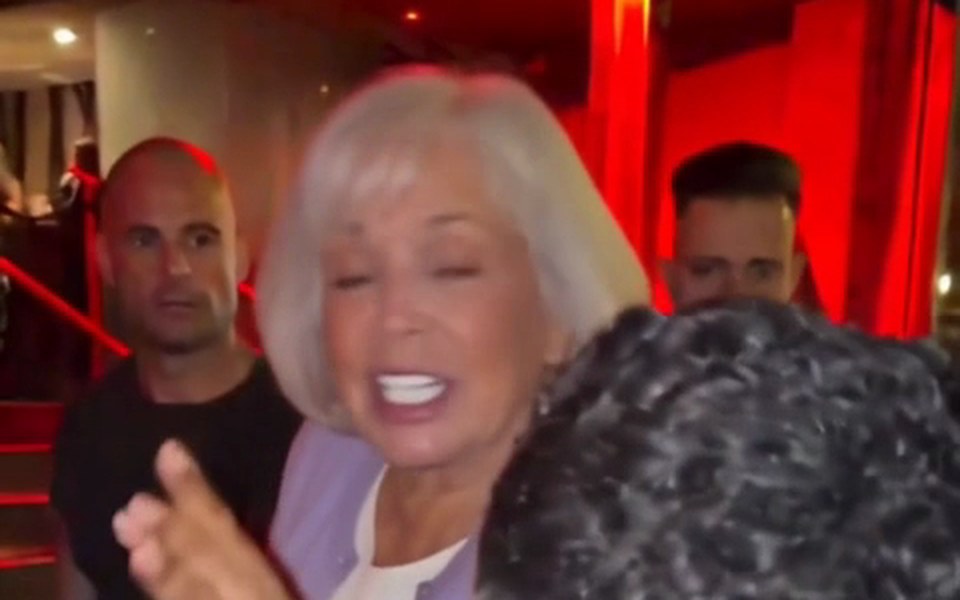
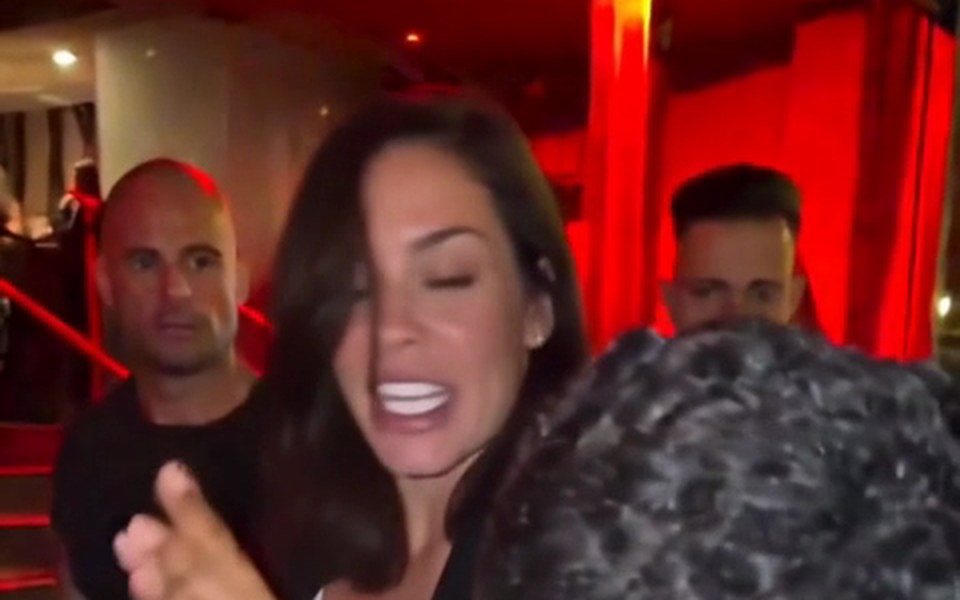
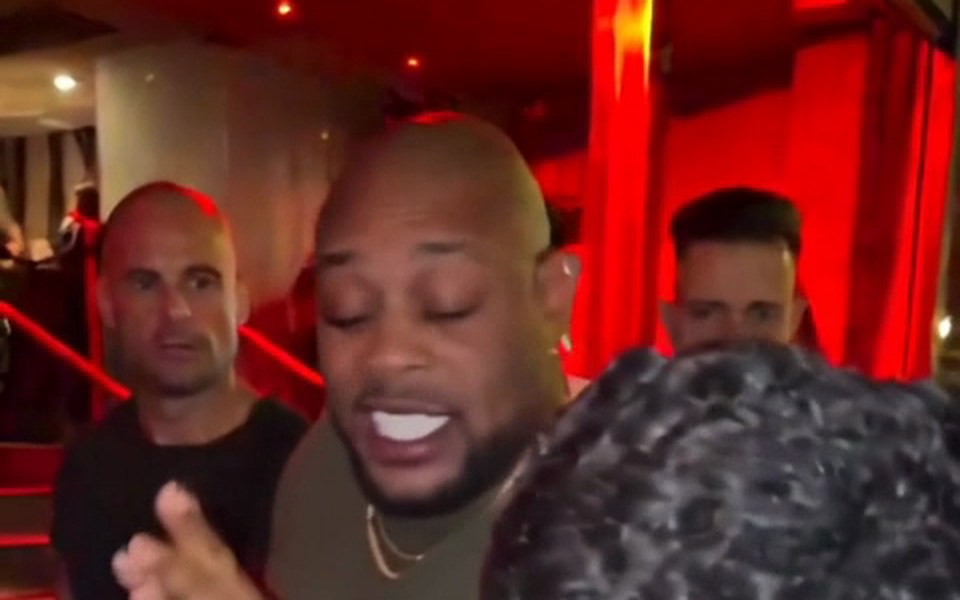
The Bulin 47 viral video vs your AI version
What stays, what changes, and the honest Bulin 47 AI free answer: there is no free plan, but you can watch every sample before you buy.
| Your AI versionmade from one photo | The original clipBulin 47 and Kevin Wai | |
|---|---|---|
| The rapper | The person in your photo | Bulin 47 |
| Kevin Wai with speaker and phone | ||
| Crowd and red-lit entrance | ||
| Head turns and gestures | Follow the original | The original |
| Sound | Original audio | Original audio |
| Format | Vertical 9:16 MP4 | Vertical phone clip |
Bulin 47 AI video questions
How long is a Bulin 47 AI video?
A Bulin 47 AI video is 15 or 30 seconds long, and you choose before you generate. The 15-second cut starts at the moment Bulin 47 turns to the camera; the full 30-second version covers almost the whole freestyle. Both come in Standard at 480p or HD at 720p, and both keep the original sound.
Does the Bulin 47 AI video have sound?
Yes, every video comes with the original sound of the freestyle already in the file. You do not have to find the audio, trim it or line it up with the movements. Download the MP4 and it plays with sound on any phone and on TikTok, Reels and Shorts.
What format is the download?
It is a vertical 9:16 MP4 file. That is the native shape of TikTok, Instagram Reels and YouTube Shorts, so the video fills the screen without cropping or black bars. You can save it to your phone or computer and post it anywhere that accepts MP4 video.
Can I make it on my phone?
Yes, it works in any phone browser with nothing to install. Upload a photo from your camera roll, choose a length, and save the finished MP4 back to your phone. The Bulin 47 AI app page walks through the whole phone workflow on iPhone and Android.
Why does the face look a bit different from my photo?
The model rebuilds the whole person from a single photo, so the result depends on that photo. A sharp, well-lit, half-body shot with the face fully visible and both hands in view gives the closest likeness, because the hands and wrists are copied too. Shadows, sunglasses and filters make it guess. If a result is weak, try a clearer photo.
How much does a longer video cost?
There is no free trial: every video is paid through a monthly or yearly plan that counts Standard videos. A 15-second Standard video uses one, a full 30-second video or a 15-second HD video uses 3, and a full 30-second HD video uses 6. Renders that fail or get filtered cost nothing. Current plans are on the Bulin 47 AI pricing page.
Is this the real Bulin 47 viral video?
No, it is a fan-made remake with a new person in the rapper's place. The original freestyle was filmed outside a venue in Spain in early October 2026, when Kevin Wai got Bulin 47 to freestyle on the spot. Your version reuses that scene and sound; only the rapper is new.
Your Bulin 47 AI video, ready in minutes
One photo, about 5 to 10 minutes, original sound included. Watch the samples, then make yours.