
Add your photo to the Bulin 47 template
Failed renders are never charged.
Upload your photo on the left and click Generate.
What a Bulin 47 template should do
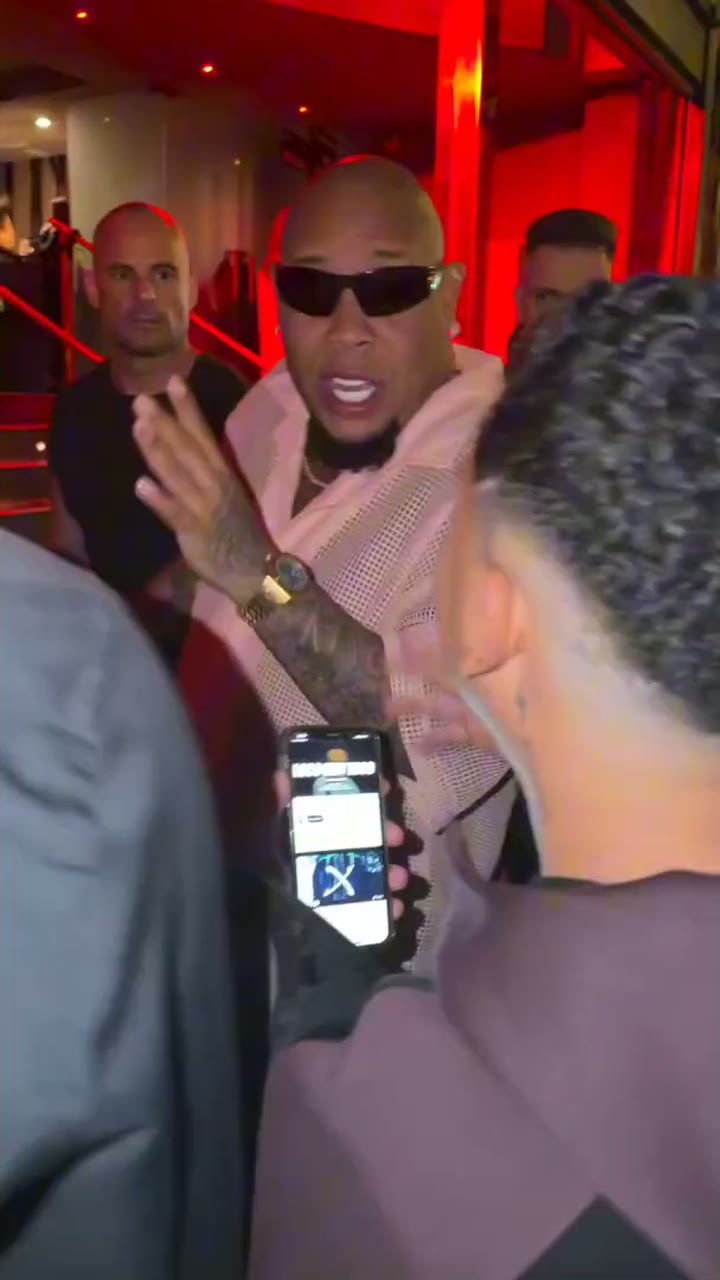
A Bulin 47 template is supposed to save you the work: someone else has set up the clip, and you only add yourself. Bulin 47 AI takes that idea one step further. The original freestyle, its timing and its sound are already loaded on the server, and instead of laying your face over the old frames, the clip is rebuilt around the person in your photo. Head turns, gestures and movements follow the original, while the scene around you stays exactly as it was.
- Preloaded clipThe freestyle is already cut from the moment Bulin 47 turns to the camera. Nothing to download, trim or line up.
- Preloaded soundThe original audio is part of the result, so there is no sound to hunt for and sync by hand.
- One inputOne photo of one person. Choosing the length and the quality takes two taps.
No template needed: why one photo is enough
Most people looking for a Bulin 47 template expect an editing app. Here there is no template file, no timeline and no app; if you prefer that route, the Bulin 47 CapCut page explains how it works.
The full scene, rebuilt around you
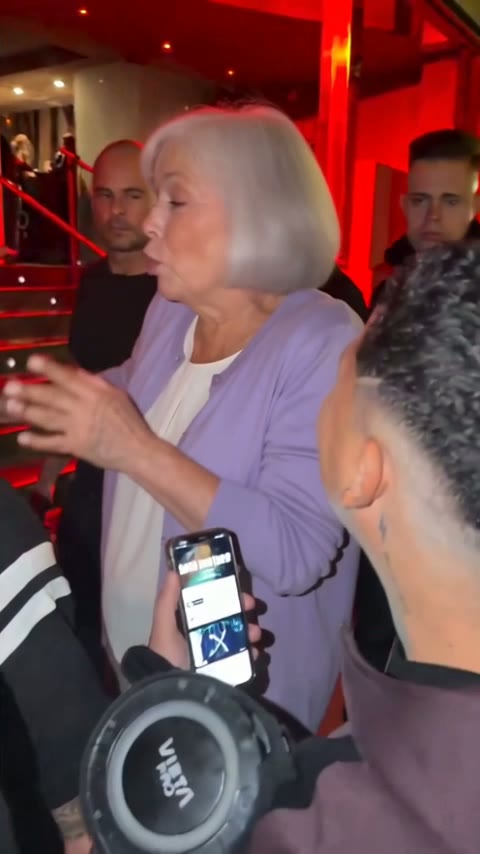
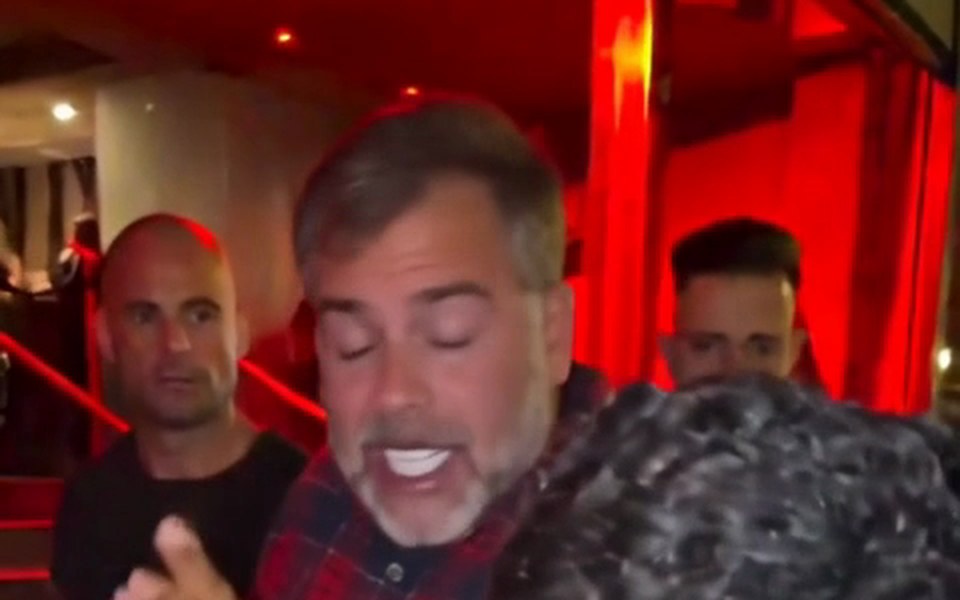
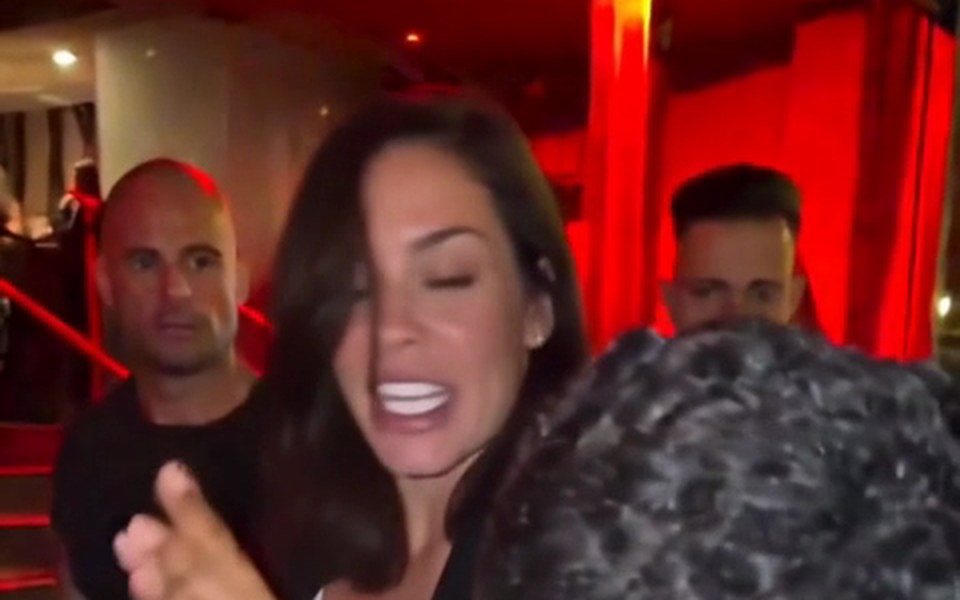
The rapper's role is re-rendered from your photo, so your face, hair, clothes and hands move through the head turns and gestures of the original. Kevin Wai, the crowd, the red light, the handheld camera and every other frame stay exactly as they were.
The same moment every time
Each video starts from the same beat, the turn to the camera, so your version opens on the moment everyone already recognises from the original clip.
Ready to post
The output is a vertical 9:16 MP4 with the original sound, sized for TikTok, Reels and Shorts. There are no export settings to choose and nothing to render on your own phone.
How to use the Bulin 47 template
Three steps from photo to MP4. The full walkthrough, with a photo checklist and posting tips, is in the guide on how to make Bulin 47 AI video.
Add your photo
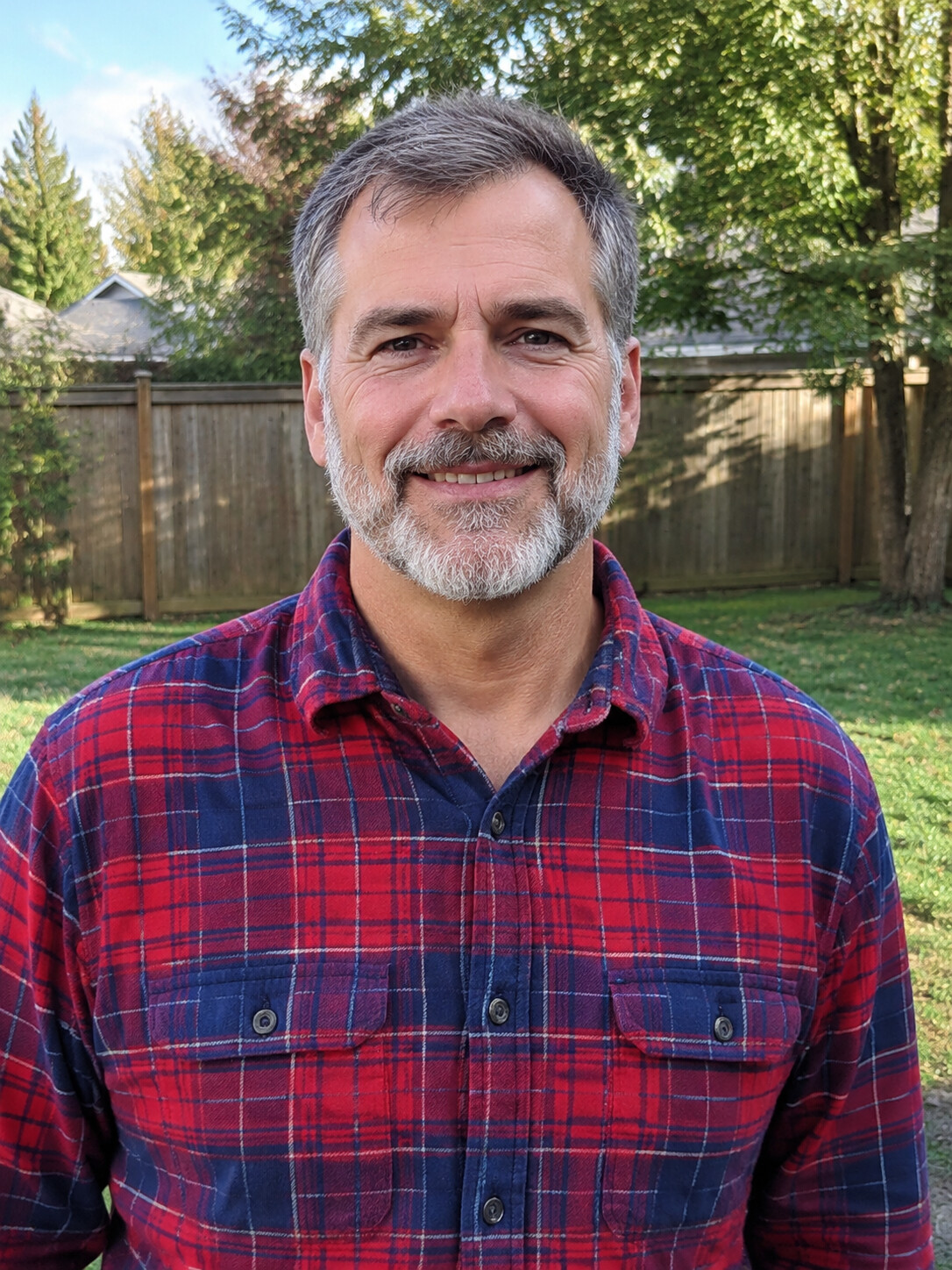
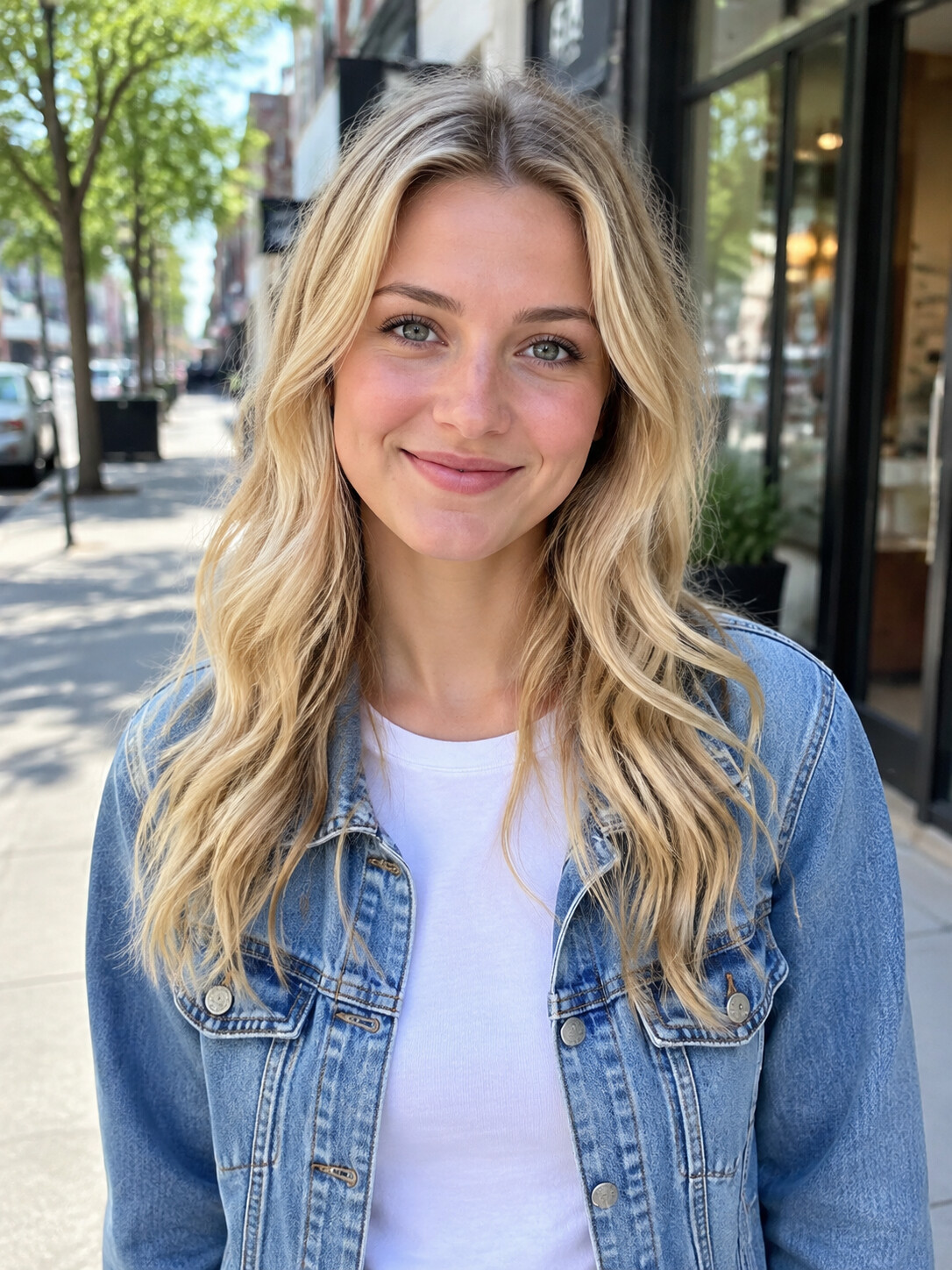
One person, face clearly visible, well lit. A half-body photo with both hands visible works best. Your own picture, or one of a friend who agreed.
Choose length and quality
15 seconds or the full 30-second version, each in Standard (480p) for phones or HD (720p) for bigger screens.
Download
A video renders in about 5 to 10 minutes. Then save the vertical MP4 with the original sound.
Who the ready-made scene suits
A ready-made scene is the fastest way in. It also means you cannot change the location, the music or the camera. Here is who it fits, and who should look elsewhere. Need casting ideas first? The Bulin 47 meme page has a list.
First-timers
Never edited a video? You only need a photo. There are no layers, keyframes or masks to learn.
Phone-only users
It works in any phone browser. No app to install and nothing to export.
Fast movers
Trends move quickly. A video renders in about 5 to 10 minutes, while the moment is still fresh.
Gift makers
Make one of a friend for their birthday, with their permission, and send it to the group chat.
Not for remixers
If you want a different scene, your own music or a new script, a general AI video platform with your own prompt is the better tool.
Not for famous faces
The filter turns away celebrities and public figures. Cast real people who said yes.
Related pages
Casting ideas, the honest answer on free options and the full walkthrough.
This Bulin 47 template vs a CapCut template
This Bulin 47 template and a CapCut template both start from a ready-made scene, but they work differently. CapCut templates are made by individual template creators, so quality varies from one to the next.
| Bulin 47 AIone photo | CapCut templatecommunity made | |
|---|---|---|
| How you get into the clip | Full replacement from your photo | Usually a face overlay or cut-out |
| Who builds it | Built into this site | Individual template creators |
| Consistency | The same scene for everyone | Varies by creator |
| Works in any browser | Needs CapCut |
Bulin 47 template FAQ
Is there a Bulin 47 template on CapCut?
Yes, template creators have published several Bulin 47 template versions on CapCut, and quality varies from one to the next. Most do a face overlay or cut-out rather than a full-body replacement. This site works differently: the scene is preloaded and the rapper is rebuilt from your photo, with no app to install.
How do I use the Bulin 47 template?
Upload one photo of one person, pick 15 seconds or the full 30-second version, choose Standard or HD, and click Generate. About 5 to 10 minutes later the video is ready as a vertical MP4 with the original sound. Everything runs in your browser, on a phone or a computer.
Is the Bulin 47 template free?
No. There is no free trial and no free credits, because every video uses real rendering time. You can watch the sample videos first, and a failed or filtered render is never charged; the honest rundown is on the Bulin 47 AI free page. Videos come with a monthly or yearly plan, and yearly costs much less per video.
What does a longer video cost?
It depends on the length, the quality and your plan. Plans count Standard videos: a full 30-second video uses 3, a 15-second HD video uses 3 and a full 30-second HD video uses 6. See Bulin 47 AI pricing for the current plans. Failed or filtered renders are never charged.
Can I change the music or the background?
No. The scene, the camera, the crowd, Kevin Wai and the original sound are fixed so the result matches the viral clip. Only the rapper changes. If you want your own music or a different location, a general AI video tool where you write your own prompt is the better fit.
What photo works best with the Bulin 47 template?
A half-body photo of one person with both hands visible, the face clear and well lit. The AI copies your hands and wrists too. It can be you or a friend who gave permission. The filter blocks celebrities and public figures. Animals and cartoon characters are hit and miss, so real people are the safe choice.
Is this an official Bulin 47 template?
No. Bulin 47 AI is an independent fan-made tool, not affiliated with Bulin 47, Kevin Wai or their labels. It recreates the scene from the viral freestyle recorded outside a venue in Spain in early October 2026, and lets you take the rapper's place.
Your photo in the ready-made Bulin 47 template
Add one photo to the Bulin 47 template and get your freestyle in about 5 to 10 minutes. Failed renders are never charged.